 MINDBEBOP
Mental Background OS
MINDBEBOP
Mental Background OS

Take a recurring, negative thought and rewrite it into something lighter or more acceptable to you. Responding to or reframing a thought may help it stop asking for your attention. If it comes back, try Remix to explore another response or perspective.
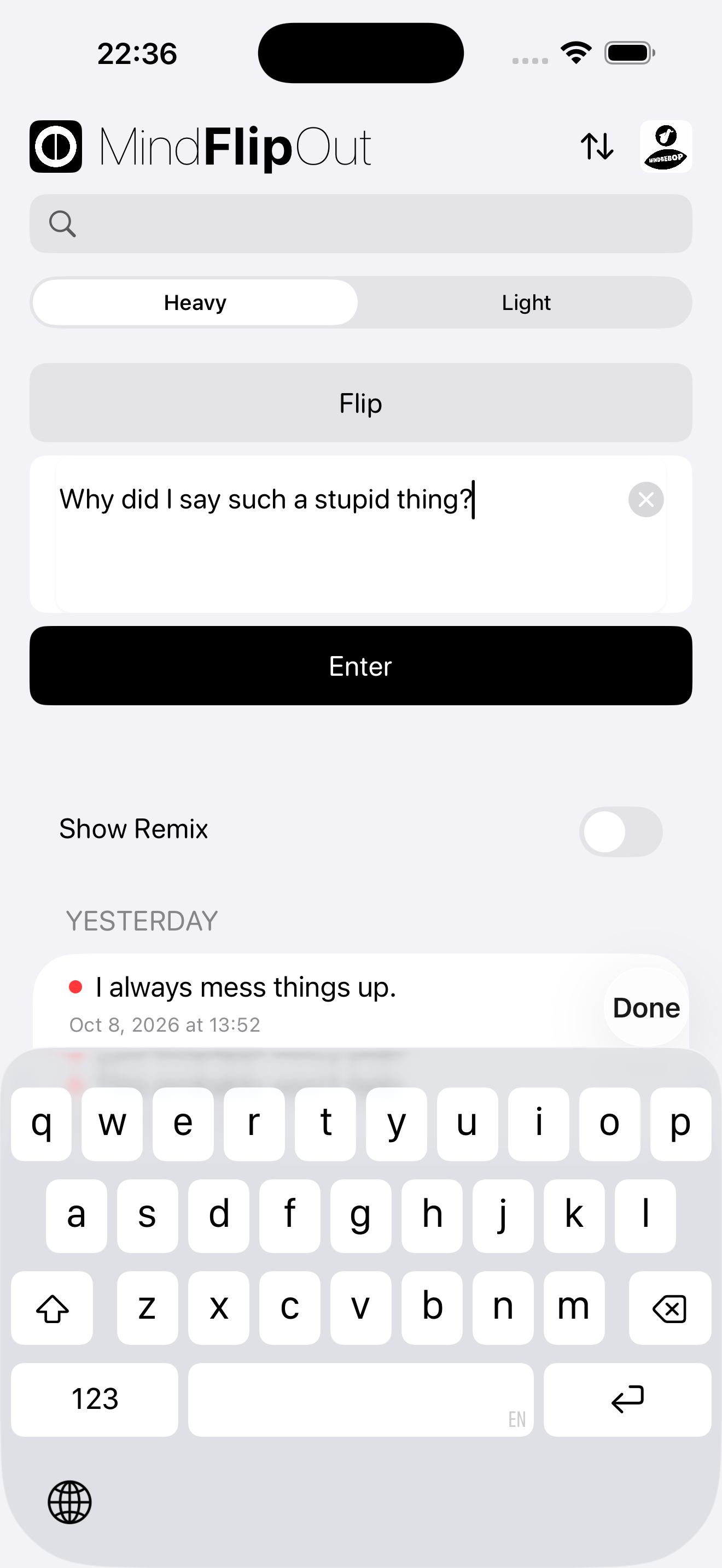
Select Heavy, type one recurring thought that's bothering you, and tap Enter.
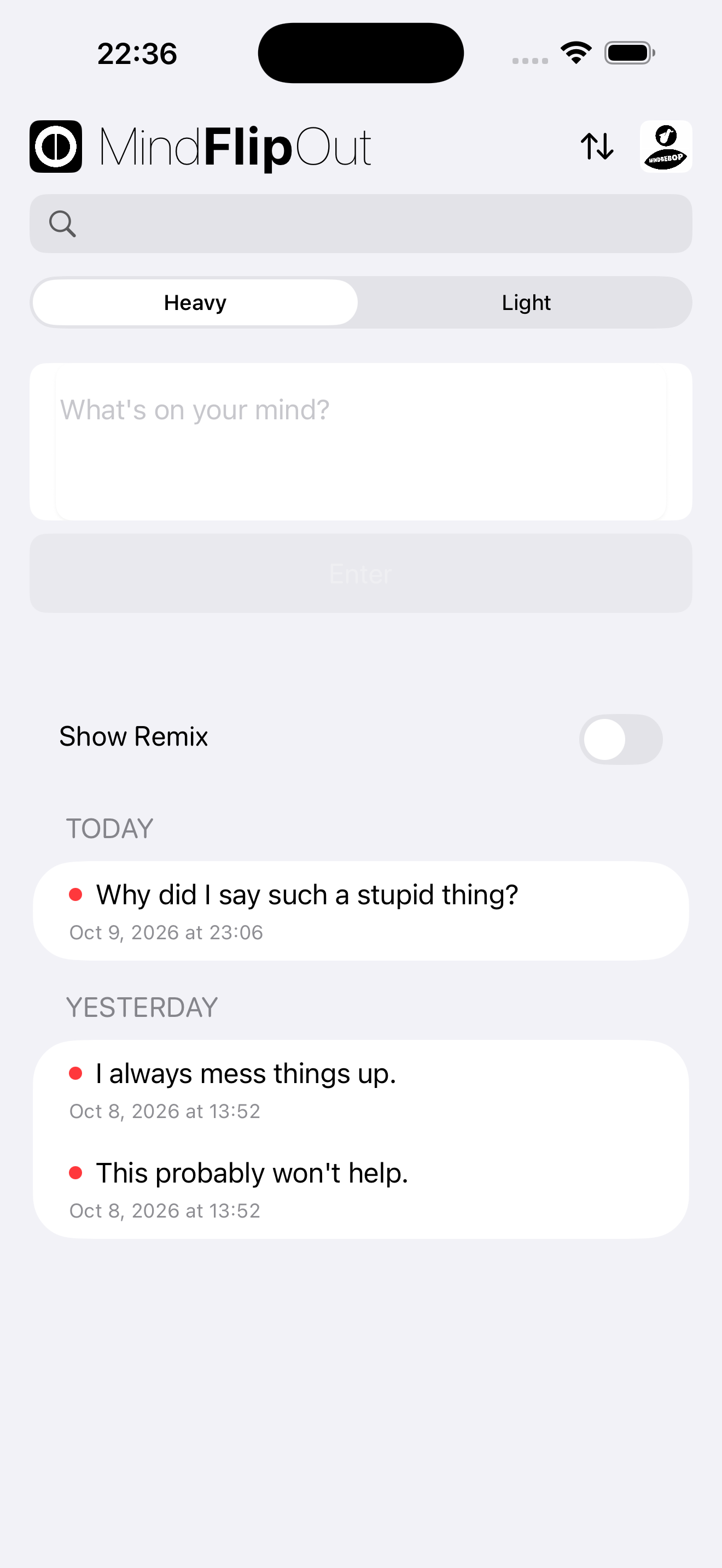
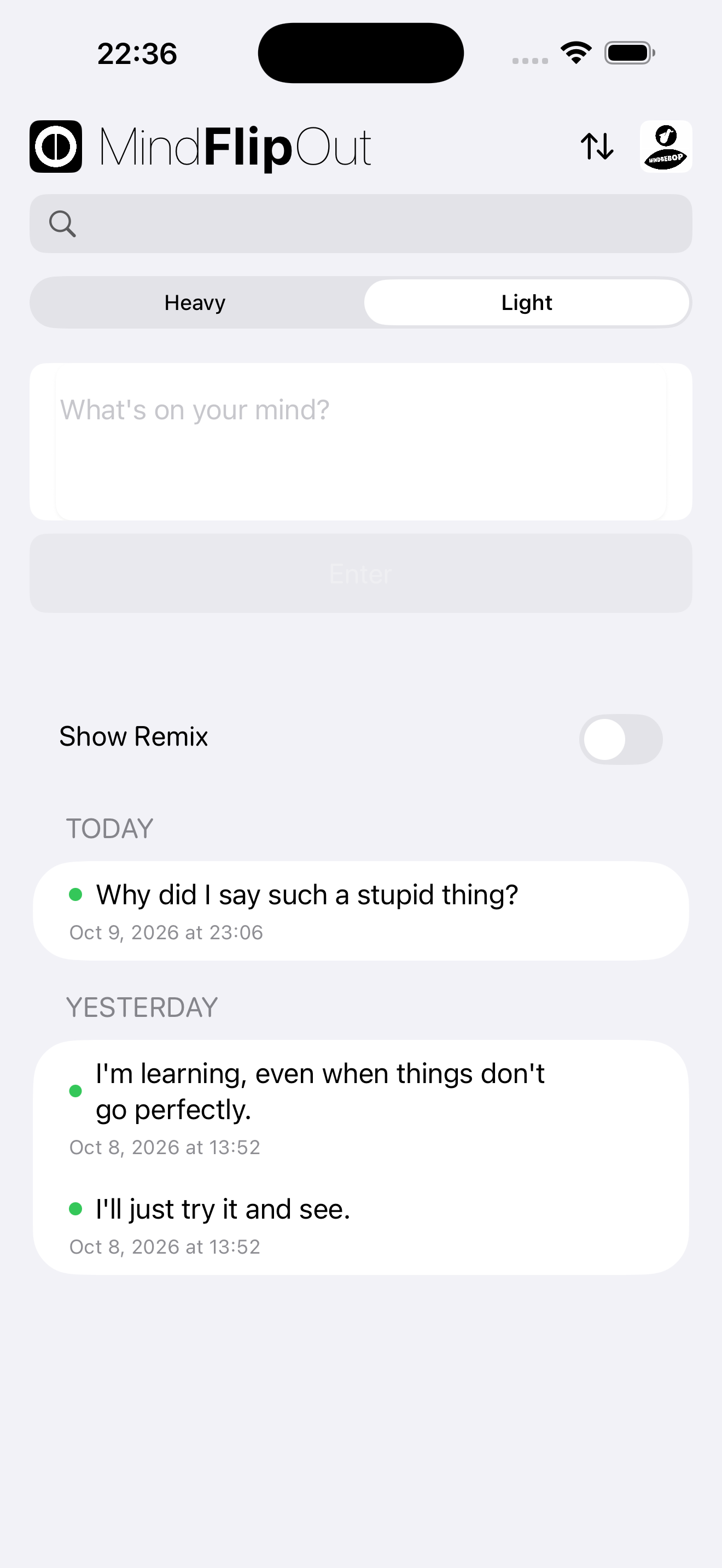
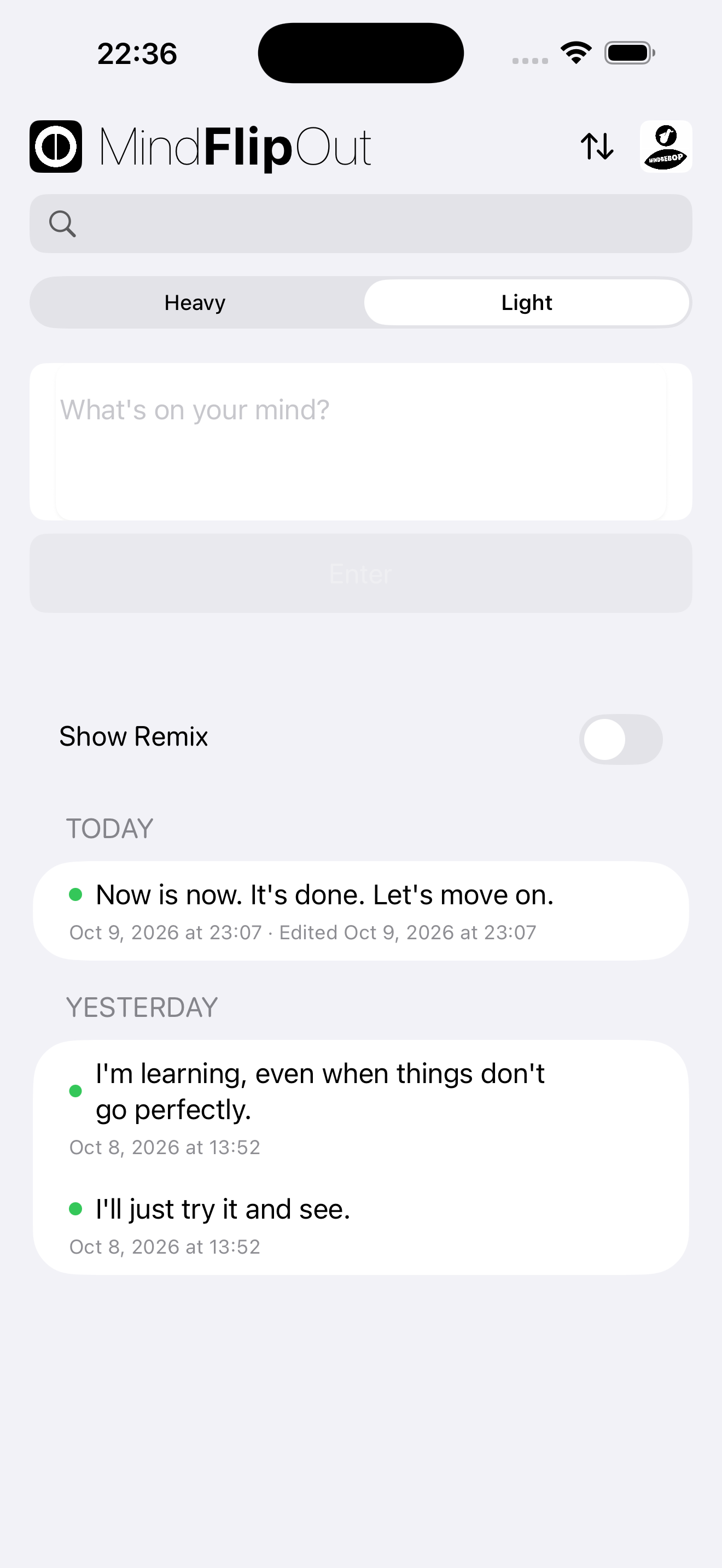
Your thought is saved under Heavy. Tap Light to see the same thought automatically copied there. Then tap the thought to write your Light response.
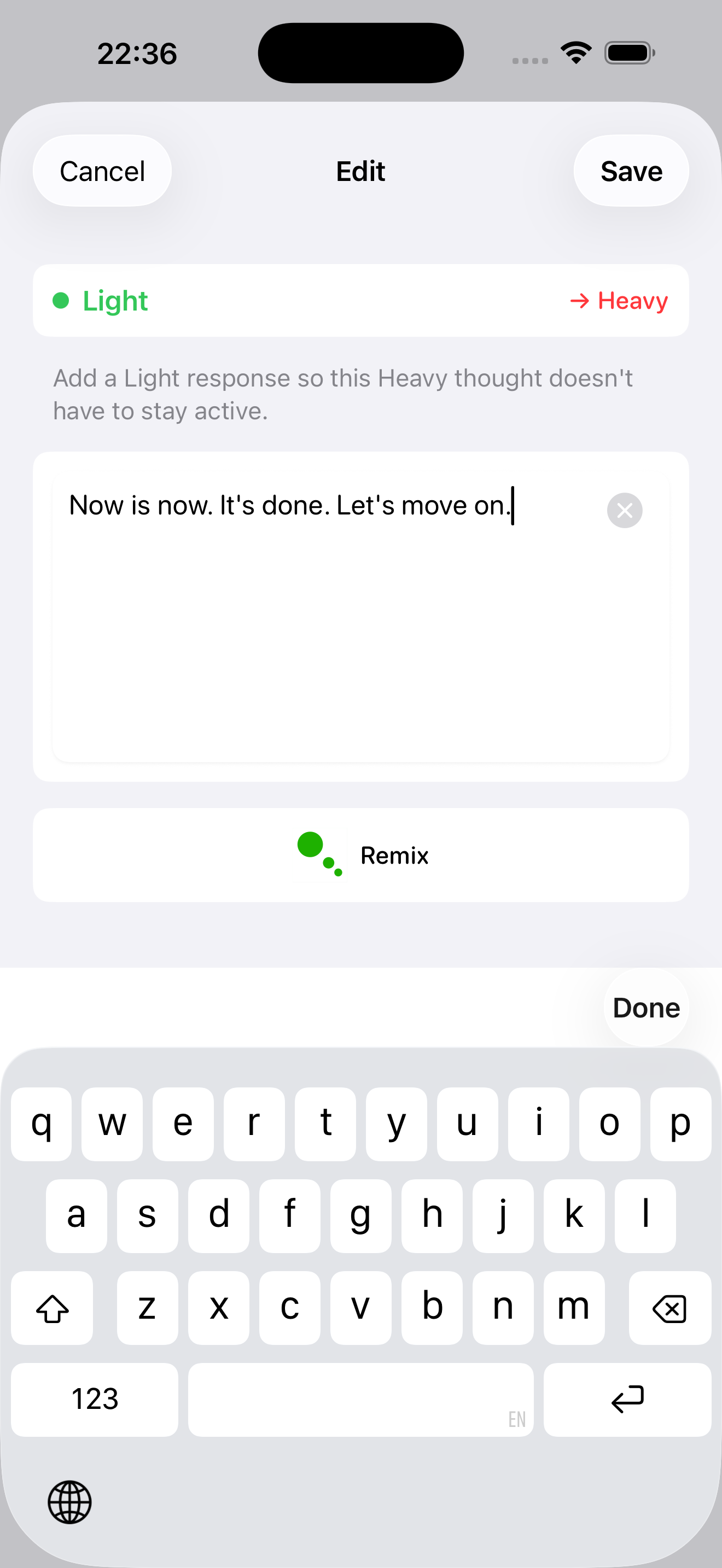
Rewrite your Heavy thought into something lighter or more acceptable to you. Tap Save when you're ready.
Your rewritten thought now appears under Light. You can revisit it whenever you want.
One thought at a time.
Flip it when you're ready.
Copyright © 2026 MINDBEBOP — All rights reserved.