 MINDBEBOP
Mental Background OS
MINDBEBOP
Mental Background OS

A thought you’ve entered into MindFlipOut, whether Heavy or Light, can also be sent to other MINDBEBOP apps.
You can turn it into a reminder, display it during a MindZoneOut session, give it a place in Thought Space, release it through MindEaseOut, or use MindEntry to move toward your Mental Destination.
Choose what you want to do with the thought.
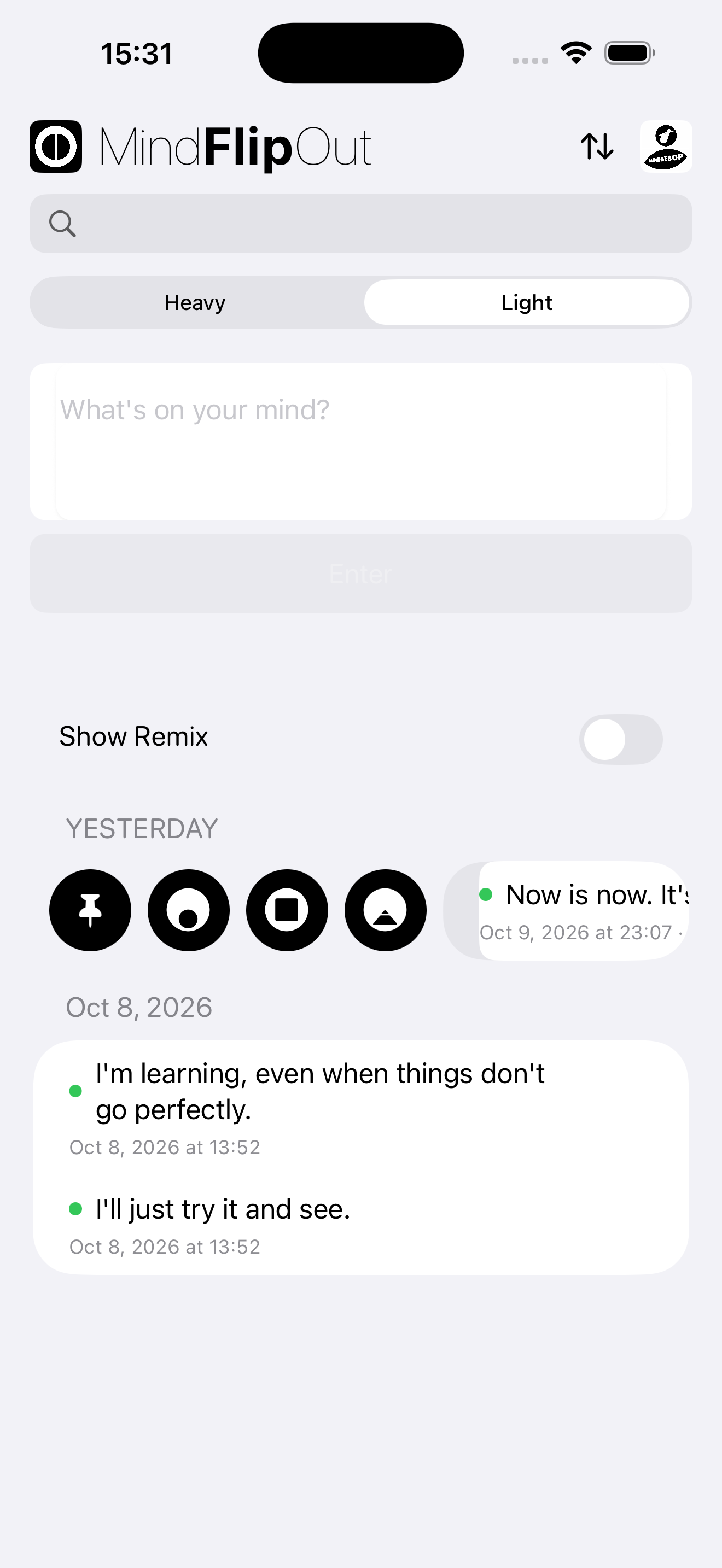
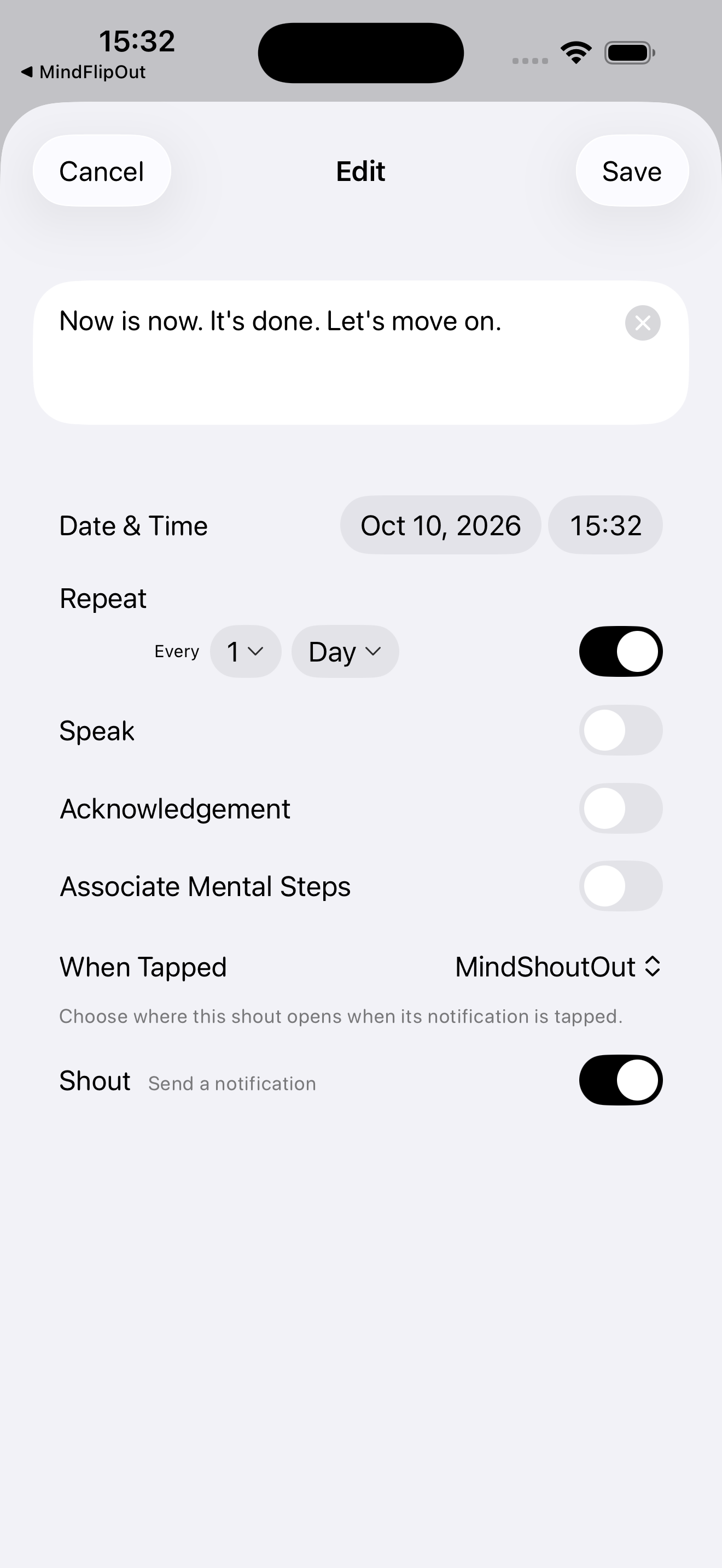
Send a flipped Light thought to MindShoutOut as a reminder.
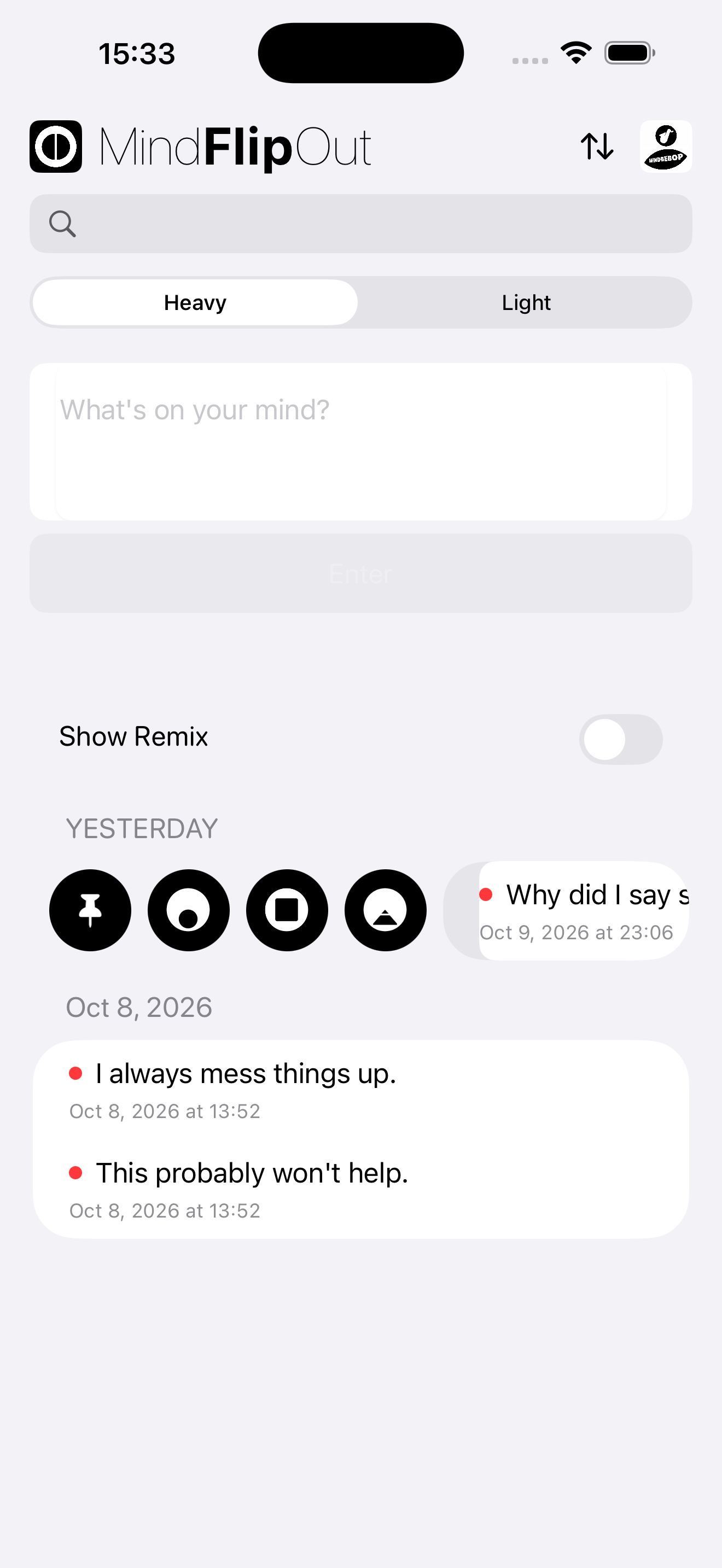
Swipe right on the thought and tap the MindShoutOut icon.
You can bring the thought back to your attention when you need it.
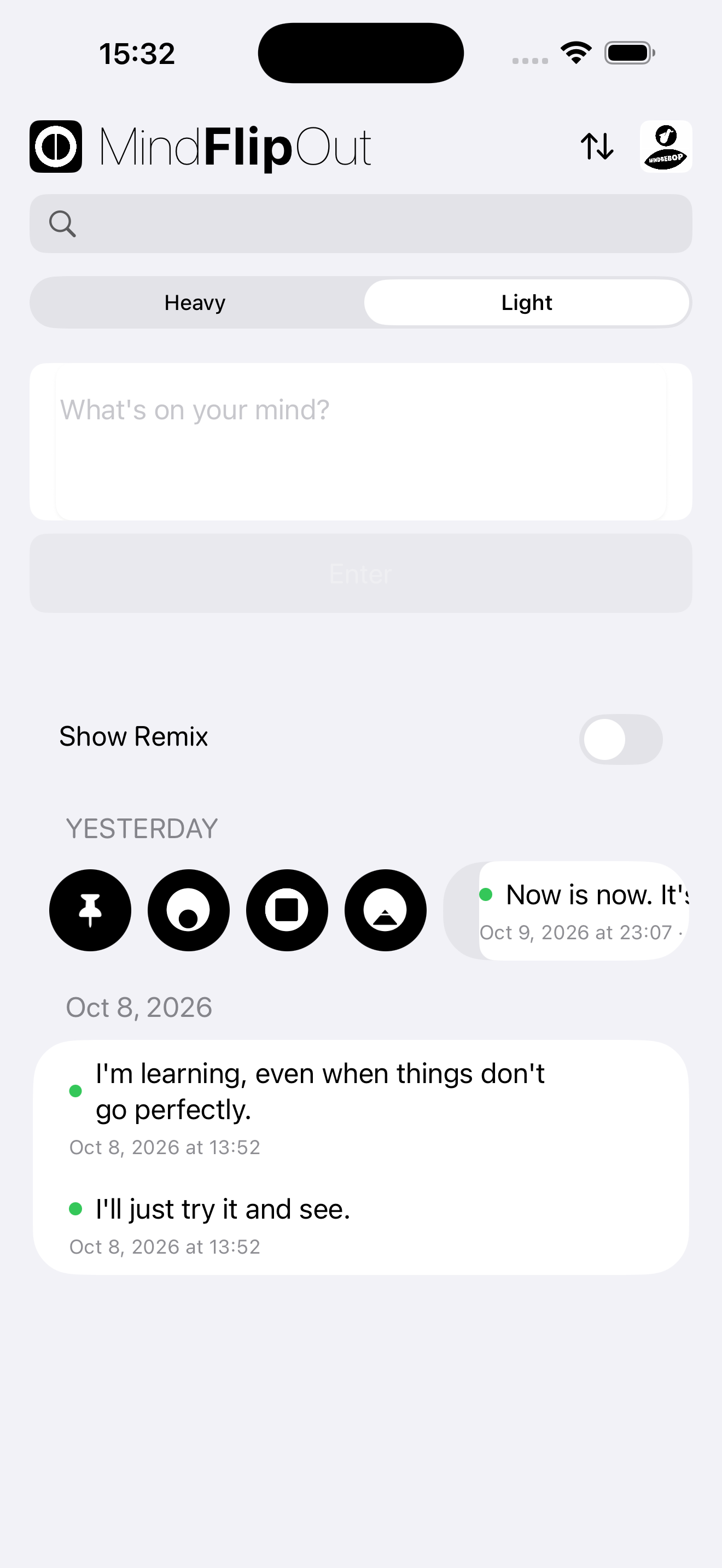
Send a flipped Light thought to MindZoneOut, where it will be displayed during your MindZoneOut session.
Swipe right on the thought and tap the MindZoneOut icon.
You can spend some quiet time with the thought without needing to respond to it or take action.
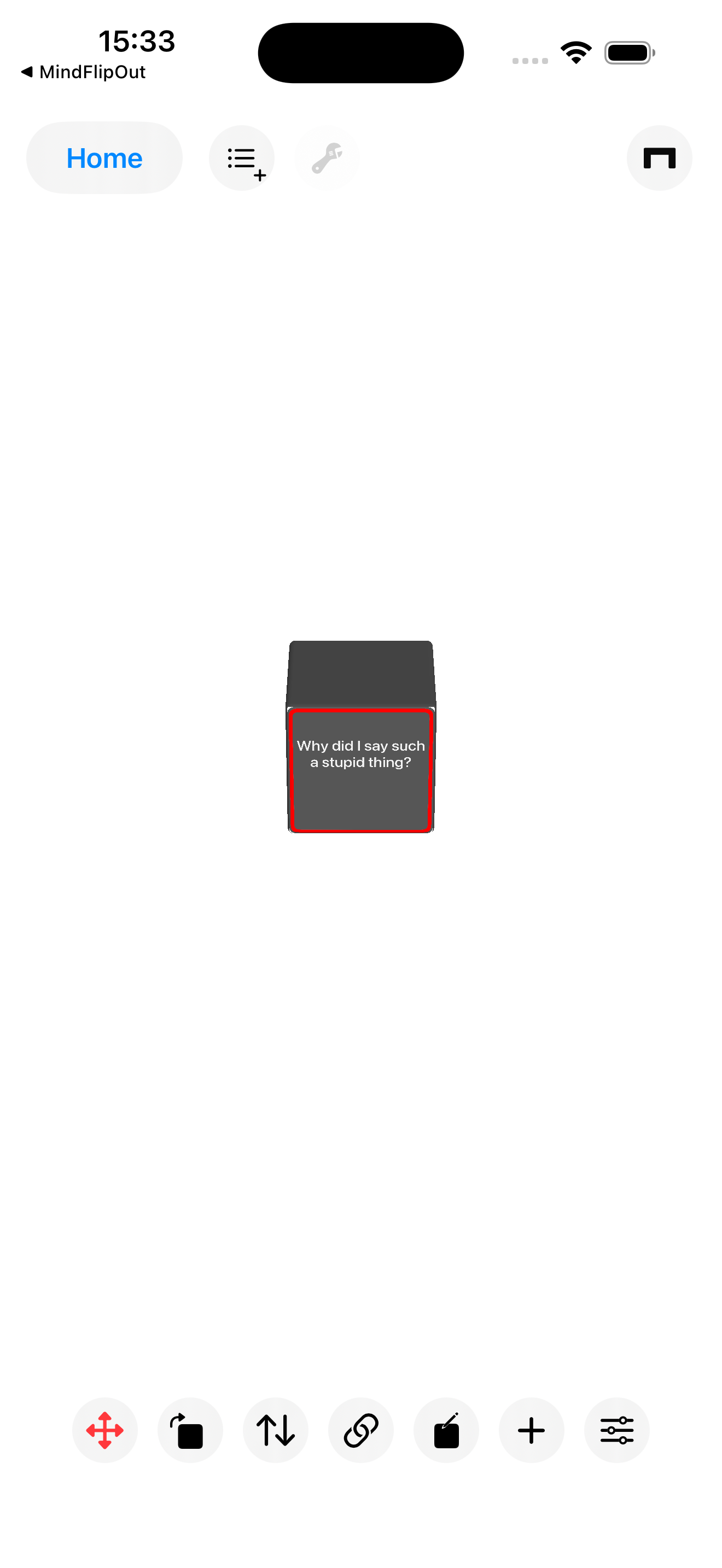
Send either a Heavy or Light thought to MindBackyard’s Thought Space.
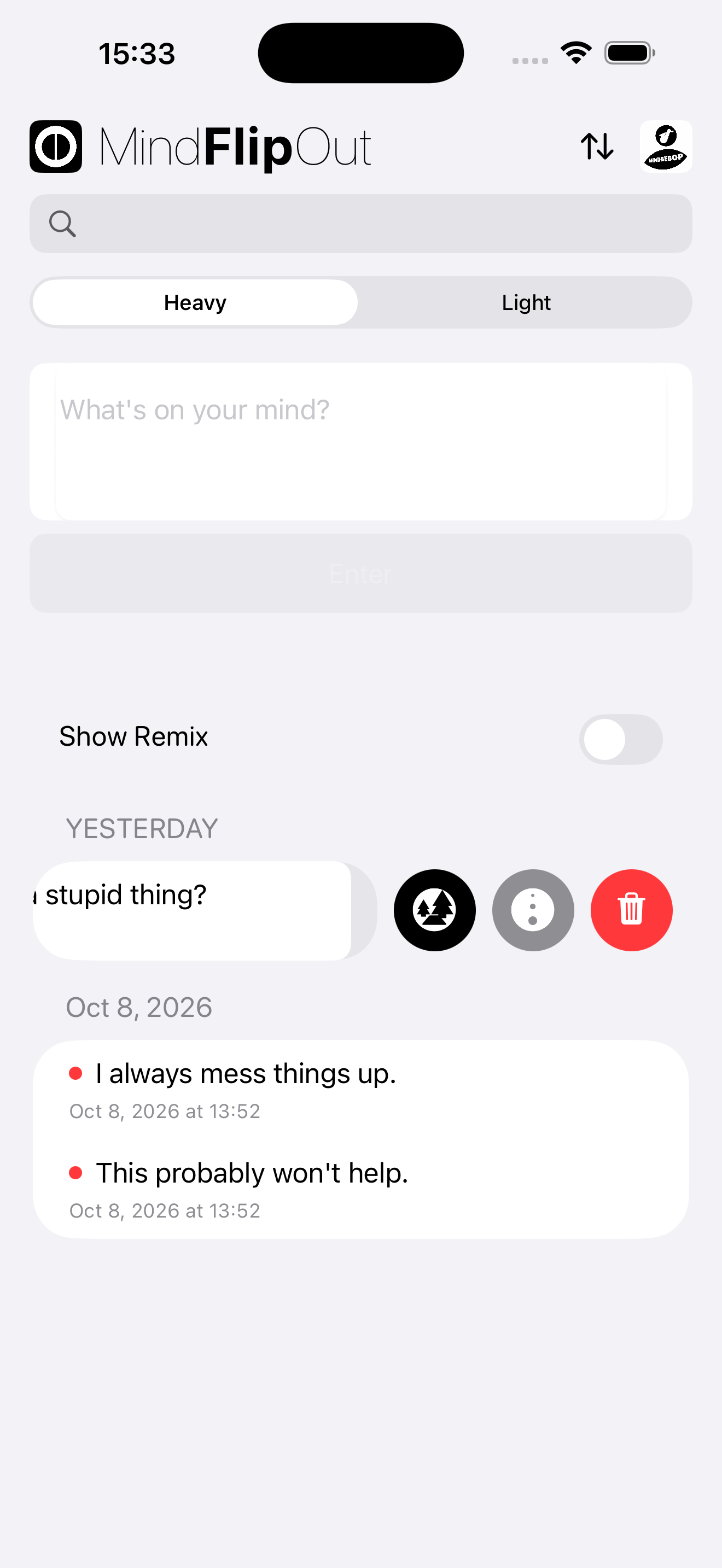
Swipe left on the thought and tap the MindBackyard icon.
The thought becomes a Thought Block that you can move around, reposition, or simply leave where it is.
You don’t have to do anything else with it.
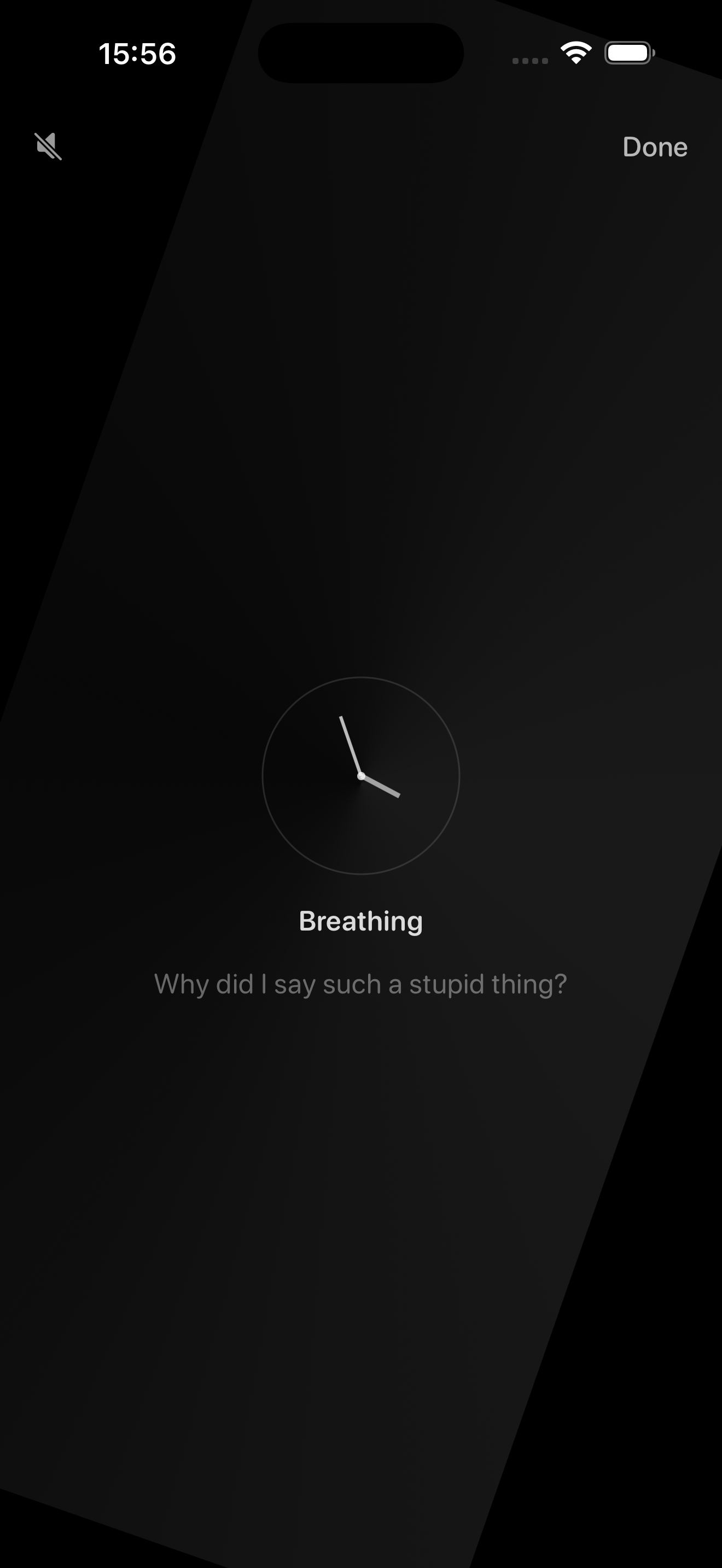
Some thoughts belong to the past. Others are about a future that hasn’t happened yet.
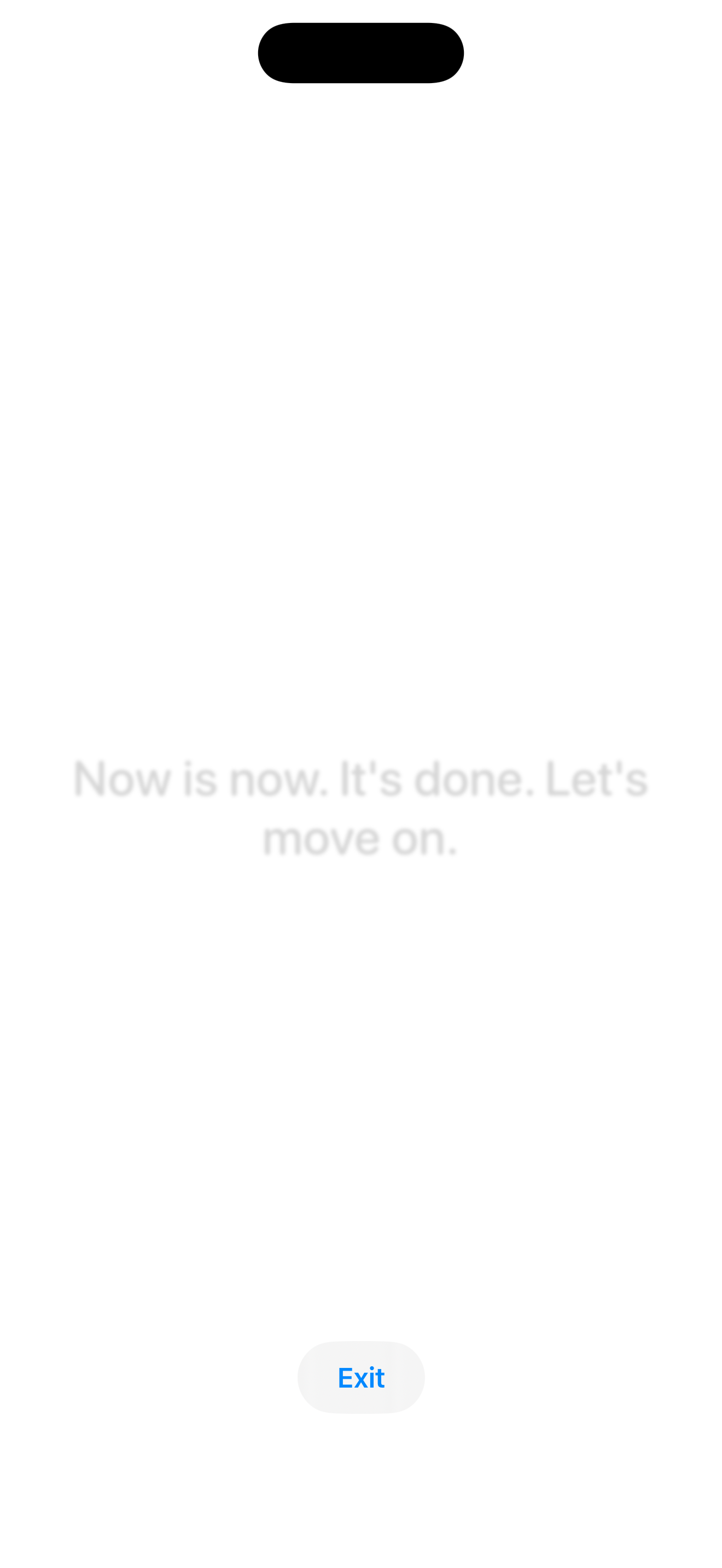
Use MindEaseOut to release thoughts about past regrets or future worries that don’t belong in the present moment.
Swipe left on the thought and tap the MindEaseOut icon.
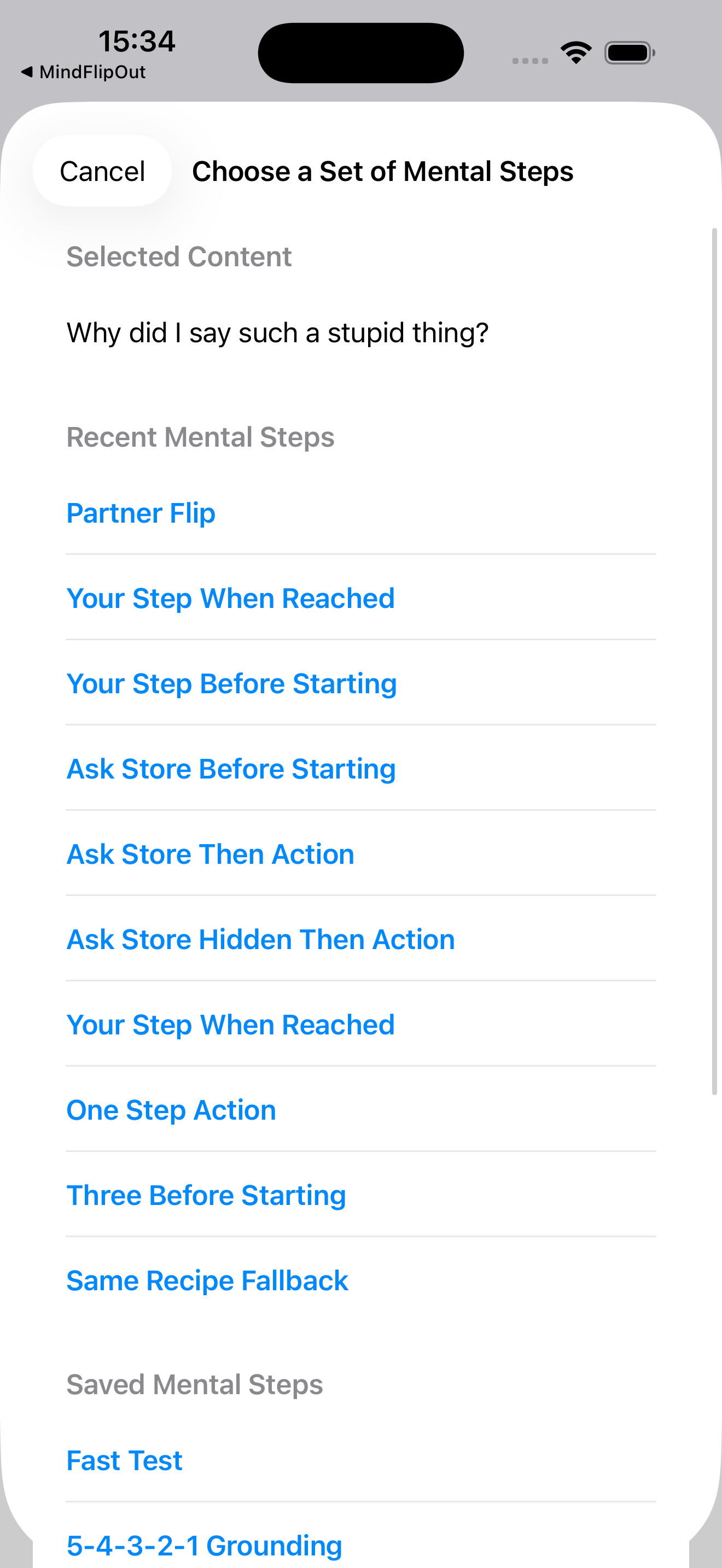
Send a thought to MindEntry to put it into motion
using Mental Steps.
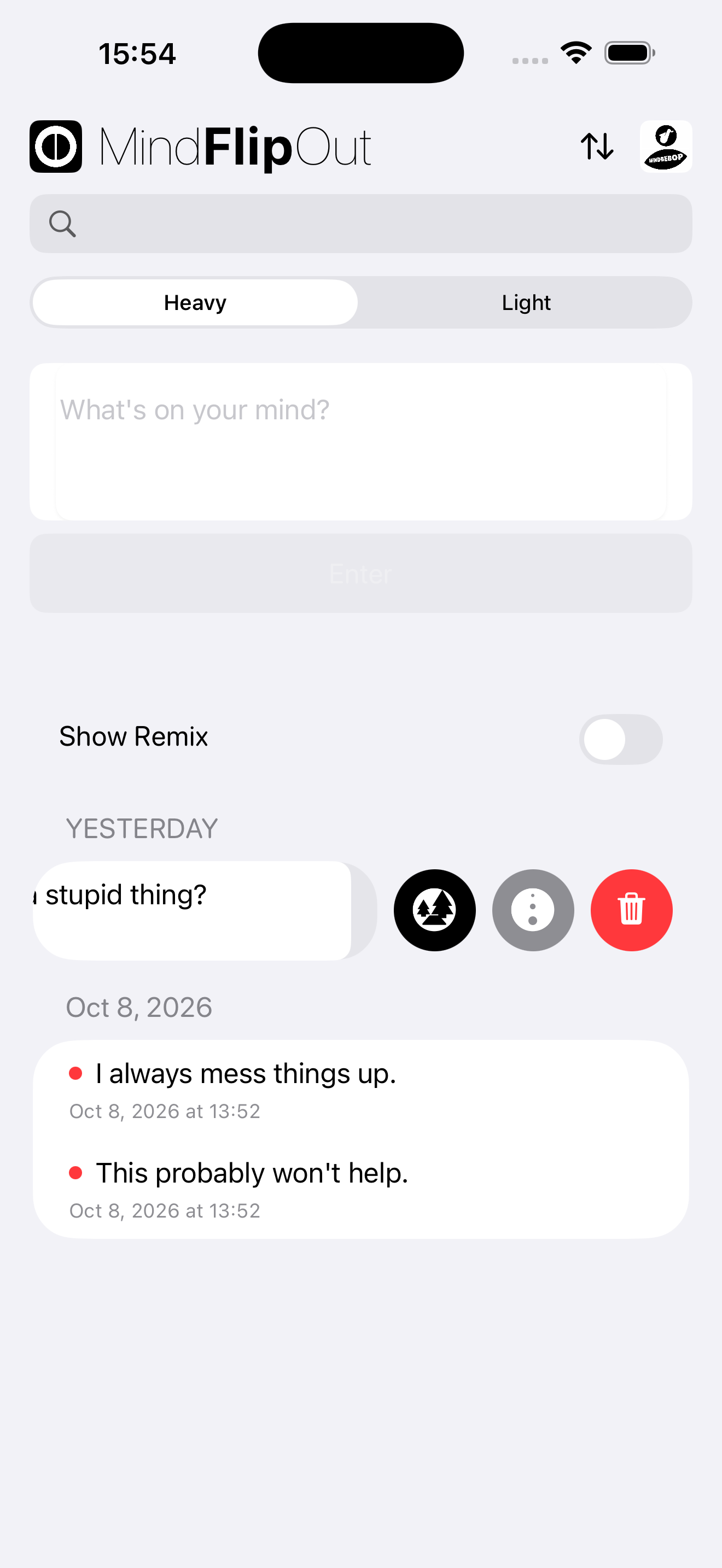
Swipe right on the thought and tap the MindEntry icon.
Mental Steps can help you move from where you are toward your Mental Destination.
One thought. Different possibilities. You decide where it goes.
Copyright © 2026 MINDBEBOP — All rights reserved.